01
Update first, always
Run sudo dnf update -y before installing anything new. On Stream you are tracking a moving target — a fresh base means dependency resolution starts from a clean, known state instead of a three-month-old drift.
Field manual
Things we learned the expensive way, so you don’t have to. Scroll — the cards stack, and the checklist remembers what you tick.
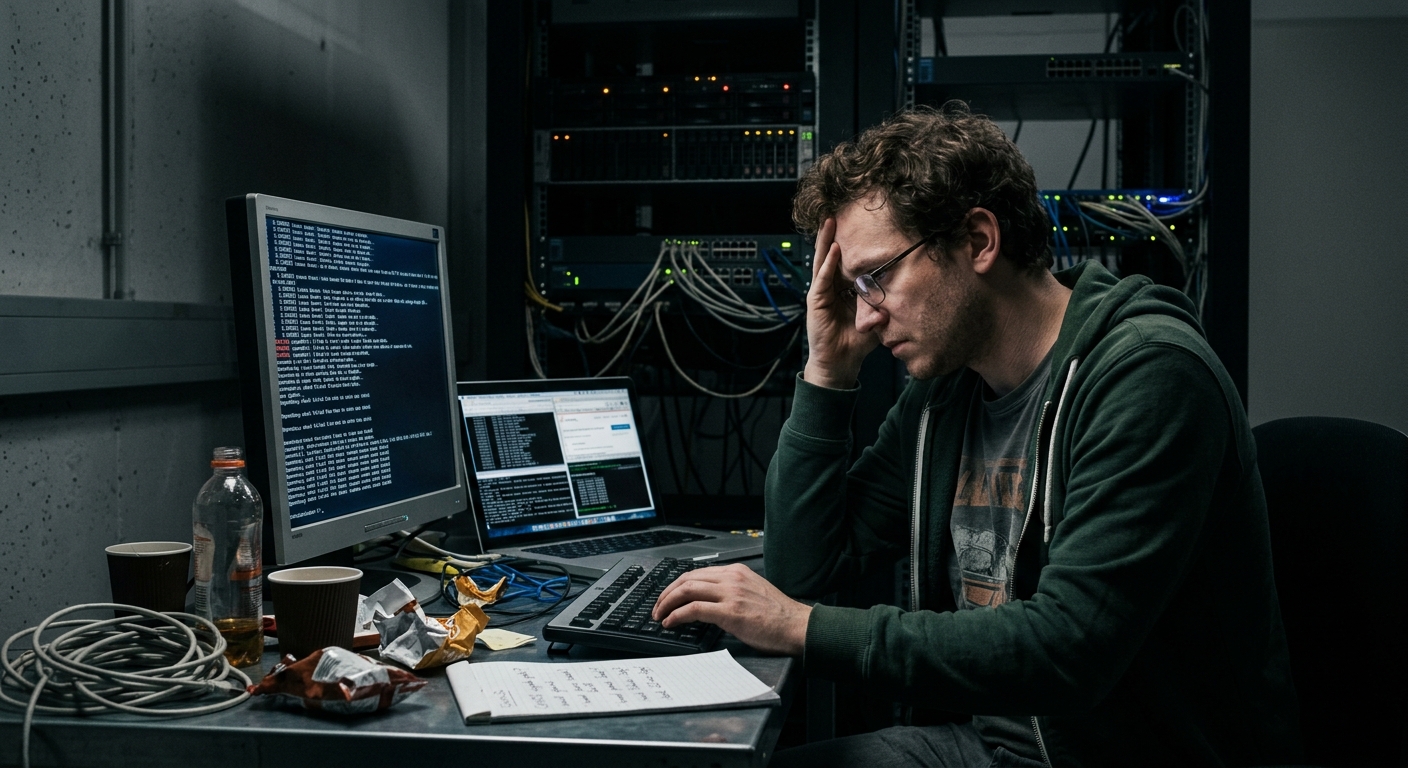
Cards stack as you scroll — each one a scar that became a rule.
Run sudo dnf update -y before installing anything new. On Stream you are tracking a moving target — a fresh base means dependency resolution starts from a clean, known state instead of a three-month-old drift.
dnf keeps a numbered transaction log. An upgrade that broke something? You do not reinstall — you roll that one transaction back. Check the history before the panic sets in.
dnf history list · sudo dnf history undo <N>setenforce 0 hides the disease. Read the AVC denials instead, then bend the policy with booleans or a context fix. Permissive mode is a diagnostic, not a destination — restore Enforcing when you leave.
Install htop and never look back: F6 sorts by any column, Shift+P sticks the top process on top, F9 sends signals. Compare the LOAD column against your CPU count — that ratio tells the whole story.
htop (F6 sort · Shift+P pin · F9 kill)“What happened last Tuesday at 3 a.m.?” — you can ask. Filter by time, by unit, by priority, and follow live. The old habit of greping /var/log/messages is a fossil; the journal is structured and queryable.
Nothing beats a small cron job for “tell me before it becomes an incident”. Fifteen minutes a day, du on the big directories, and an email when numbers cross a line. Boring, reliable, undefeated.
15 3 * * * du -xsh /var/* >> /var/log/diskwatch 2>&1Stream is rolling — a “stable” upgrade can still land a new kernel under you. Know exactly what dnf repolist shows, and pin the few packages where a surprise version matters: an explicit dnf install kernel-6.12.0-114* beats a vague “latest”.
Symptom → diagnosis → the command that actually fixes it.
| Symptom | Diagnose | Fix |
|---|---|---|
| nginx serves 403 on static files | ls -Z /var/www/html — context is not httpd_sys_content_t | sudo restorecon -Rv /var/www/html |
| Samba can’t read home dirs | getsebool samba_enable_home_dirs → off | sudo setsebool -P samba_enable_home_dirs 1 |
| App can’t open outbound connections | grep avc /var/log/audit/audit.log | tail | sudo setsebool -P httpd_can_network_connect 1 or build a policy module |
| Port refuses to listen | ss -ltnp + audit denials mentioning the port | firewall-cmd --add-port and the matching sebool |
Five questions, in order. The answer is almost always #2 or #4.
Does the host answer at all? Silence may be an ICMP block — don’t conclude from silence alone.
Is anything listening — and on 0.0.0.0, or only 127.0.0.1? A localhost-only bind is the classic trap.
--list-ports and --list-services: is the port actually open to your source subnet?
grep avc — is SELinux eating the connection? Denials show up here with the full story.
Follow the daemon live while you retry: journalctl -u httpd -f. Let it tell you what it thinks.
Tick as you go — your progress is saved in this browser and survives reloads.
Which file, and when it actually matters.
| Source | What it holds | When to look |
|---|---|---|
| journalctl | Everything, structured, queryable by time/unit/priority | Always — it is the front door |
| /var/log/dnf.log | Every install/upgrade transaction, with timestamps | After updates, before blame |
| /var/log/audit/audit.log | SELinux AVC denials, login events, policy changes | Any “permission denied” with no explanation |
| /var/log/cron | Cron job invocations and their stderr | “The job didn’t run” — it usually ran and died |
| /var/log/last · btmp | Successful and failed login attempts | After any suspected intrusion |
| ~/.dnf/history | Per-user dnf transaction history | Undo decisions, “who upgraded what” |
# /var/log/messages is legacy — on Stream, journald owns the story.